
Field Officers icon
Field Officers
Create field users, assign territories, and keep their profiles current.
MedForce – For Medical Field Force Management
A smarter platform that helps pharmaceutical and healthcare organizations manage field teams, plan doctor visits, and streamline approvals.
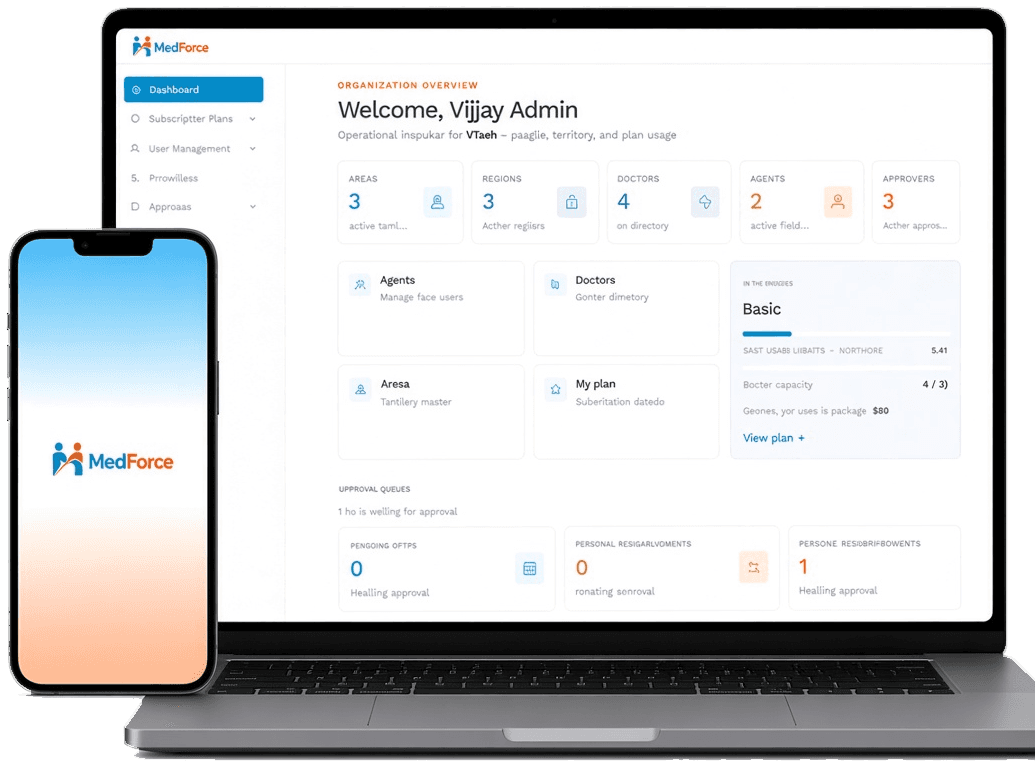
AI Enhanced Team Management
Smarter Monthly Tour Planning
Structured Approvals
Explore the core application features that keep planning, visits, and approvals connected.
Create field users, assign territories, and keep their profiles current.
Add managers who review tour plans, reassignment, and claims.
Set who reports to whom so approvals follow the real reporting line.
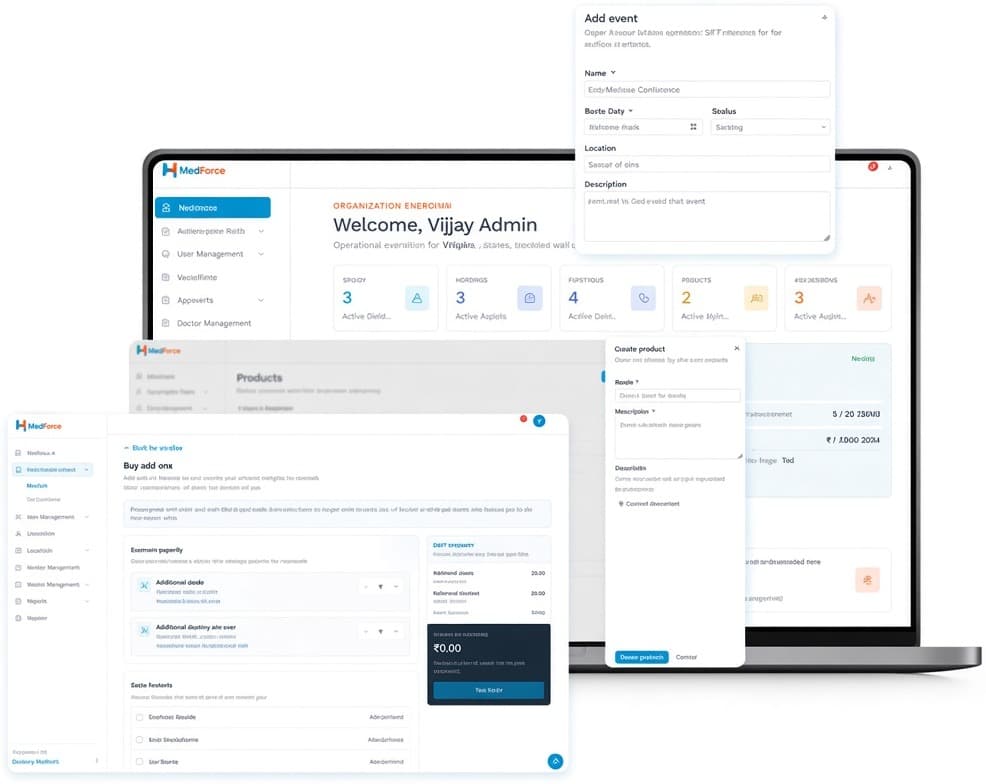
Set up your organization once and create a structured environment for planning, visits, and claims across every role.
FieldOfficers
Create field users, assign territories, and keep their profiles current.
Supervisors
Add managers who review tour plans, reassignment, and claims.
Hierarchy
Set who reports to whom so approvals follow the real reporting line.
Roles and permissions
Control what each role can open inside the organization workspace.
Doctor directory
Maintain the doctor list the field team plans and visits against.
Areas
Define territories that field officers and tour plans are built on.
Regions
Group areas into regions for coverage and reporting.
Categories
Classify doctors and products with the grades your team already uses.
Products
Keep the promoted portfolio available for visits and engagements.
Events
Schedule camps, meetings, and other non-call activities.
Holidays
Mark holidays so monthly tour plans respect the calendar.
Configuration
Set organization rules that field planning and claims follow.
Subscription plans
Review the active plan, add-ons, and payment history.
Field Officer
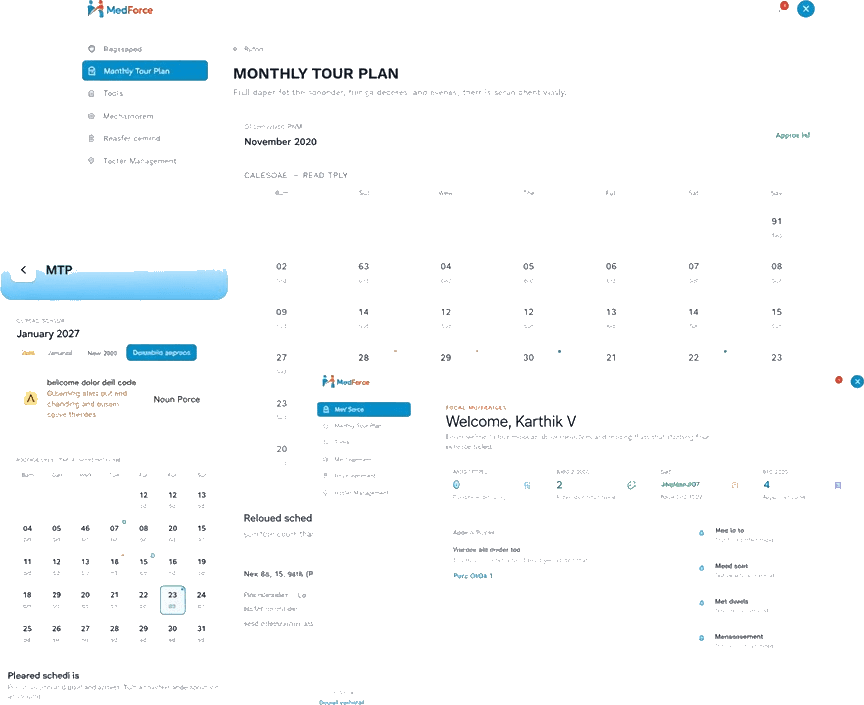
FieldOfficers submit a monthly tour plan, work the visits on it, log a direct visit when a call was not planned, and claim only against visits that are complete.
Monthly tour plan
Build the month, place doctors and events on dates, and submit for approval.
Visits
Work planned doctor visits and complete the engagement form.
Direct visits
Log a visit that was not on the approved tour plan.
Reassignment
Move or replace future tour items and send the change for approval.
Reimbursement
Claim expenses against completed visits and track the approval chain.
Doctor management
Look up doctors and add records from the field.
Supervisor
An supervisor can plan, visit, reassign, and claim like a field officer. Their field operations are organized with approval workflows that follow their organization’s reporting hierarchy.
Monthly tour plan
Plan your own month and submit it up the same approval path.
Visits
Record your visits and engagements alongside the team you manage.
Reassignment
Request date or doctor changes on your own future tour items.
Reimbursement
Submit your own claims for completed visits.
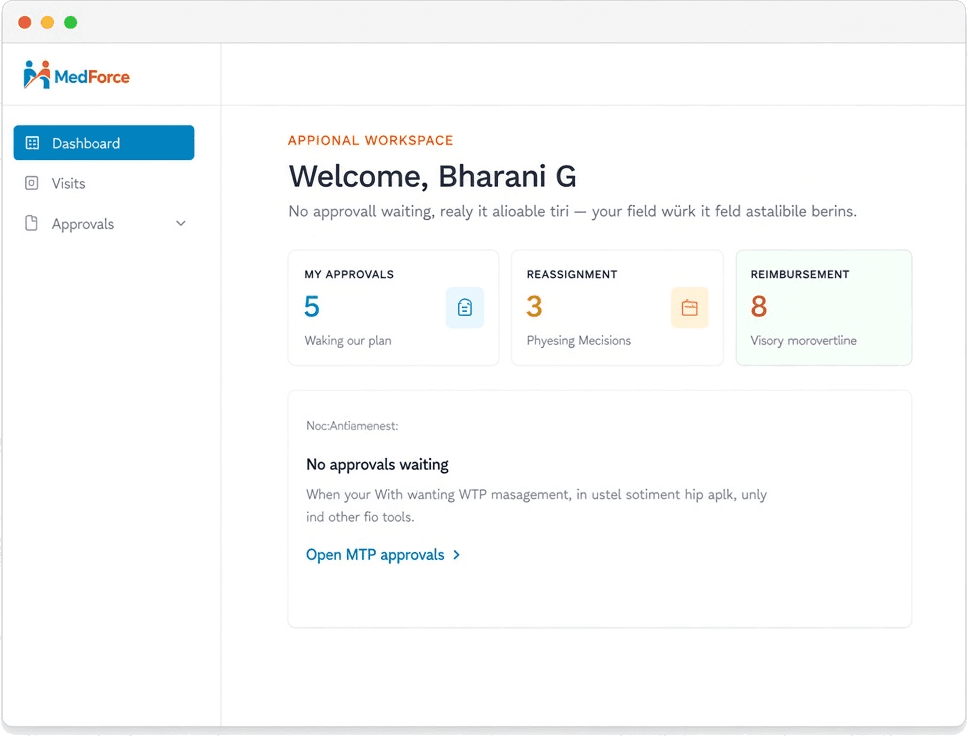
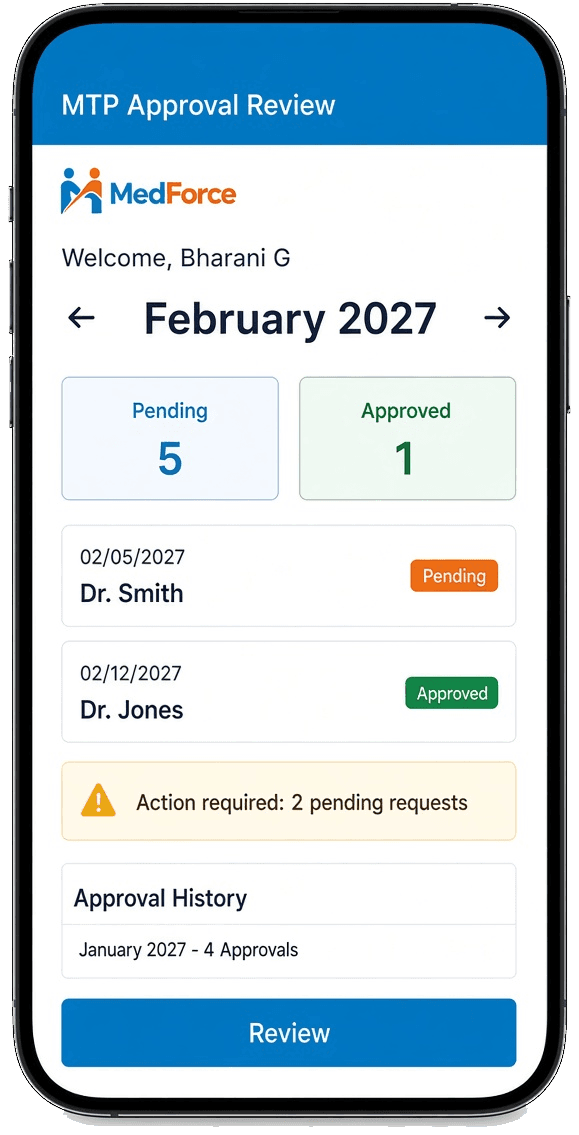
MTP approvals
Review monthly tour plans waiting at your level.
Reassignment approvals
Approve or reject requests to move or replace future tour items.
Reimbursement approvals
Clear claims so they move to the next manager above you.
SIMPLE. STRUCTURED. CONNECTED.
Configure employees, reporting hierarchy, doctors, territories, products, and organizational settings.
Field Officers create monthly tour plans with doctor visits, events, and scheduled activities.
Complete planned and direct visits, record engagements, and submit relevant requests.
Supervisors review tour plans, reassignment and other requests through the approval hierarchy.
Walkthrough
Tell us about your team. We will schedule a live walkthrough of planning, visits, and expense claims on MedForce.
Organizations whose field teams call on customers. Admins keep people, territories, and the customer list. FieldOfficers work the month. Supervisors clear plans, changes, and claims.
The path you ask for: organization setup, the field officer’s month and call report, the supervisor queues, or all three on the same customers.
The engagement is accepted only within the distance your organization sets from the customer’s location. A call that was not on the plan is logged as a direct visit, not edited into the past.
Reassignment changes future tour items, and that change needs approval. Completed visits stay the basis for the claim.
Organizations subscribe for users and for scope such as the monthly tour plan, reassignment, reimbursement, and the customer list.